How to use the Chrome extension
Browse Korean shops from anywhere and order through RouteKR in one click.
Install the extension- 🧩
1. Install the extension
Install the RouteKR extension from the Chrome Web Store. (Desktop Chrome only)
- 📌
2. Pin it to the toolbar
Click the puzzle icon (🧩) and pin RouteKR so it's always one click away.
- 🛍️
3. Open a Korean shop
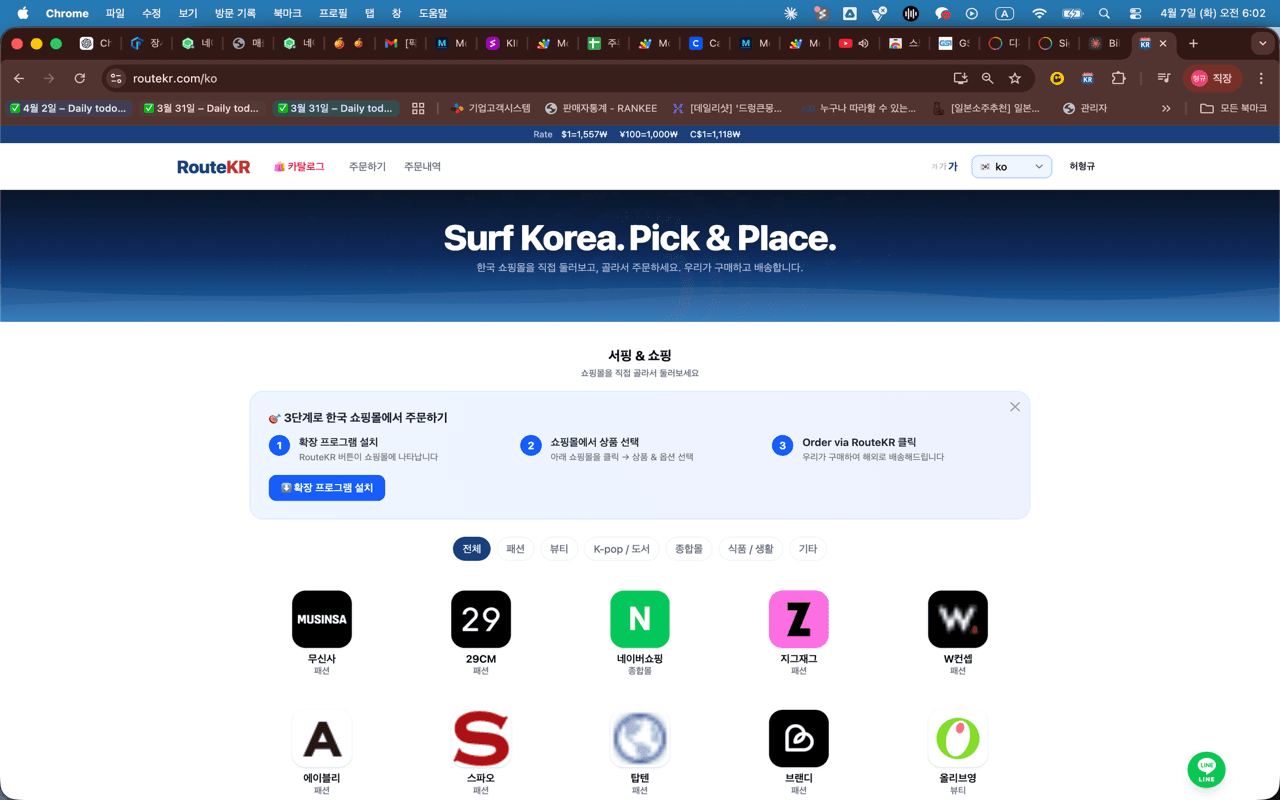
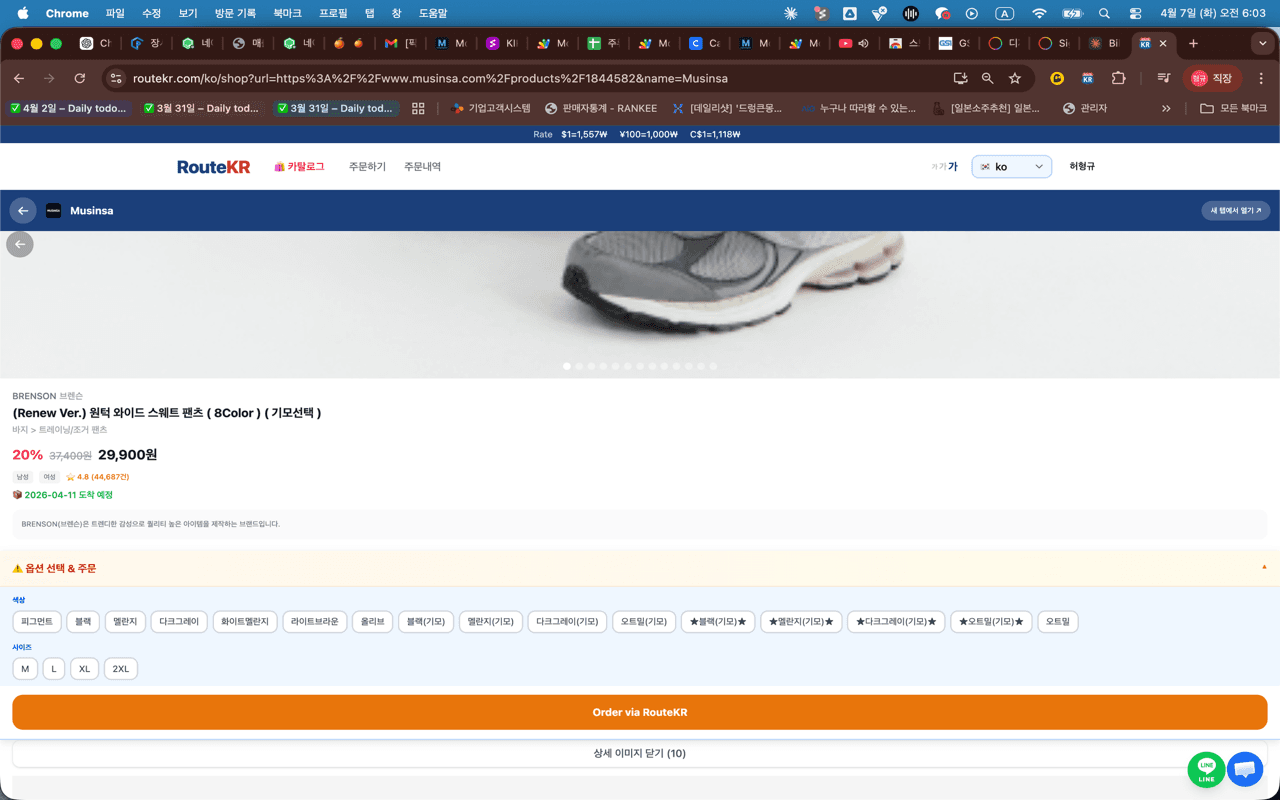
Open a Korean shop (Musinsa, Olive Young, 29CM…). Even from abroad the Korean site loads, and a RouteKR button appears.
- 🛒
4. Tap the button to order
On a product page, tap the RouteKR button to send it (with options & quantity) to your order. We handle buying, inspection, and international shipping.
📱 On mobile?
On phones, use the RouteKR app (or the in-app shop links on the web) to browse Korean sites and order. The extension is desktop-Chrome only.